
Lightweight API Framework
Build your API using PHP/MYSQL in record time. Keep your development costs down while speeding up your performance, and it's free! Bloat not included.

Let's go back to simple!
When most APIs spend most of their efforts talking to the database, why isn't there a simple save method? Why are we still mapping every database field in every model when it can be done in the background automatically? Why do the frameworks come with hundreds of thousands of files? Why are the frameworks more like giant messes than forcing a bit of structure? There's a better way, it's called SlenderAPI.
Small Framework
The entire framework is less than 50 files. Less is more. Slender comes with quite a few built in time savers and is still fully extensible.
Model / Controller
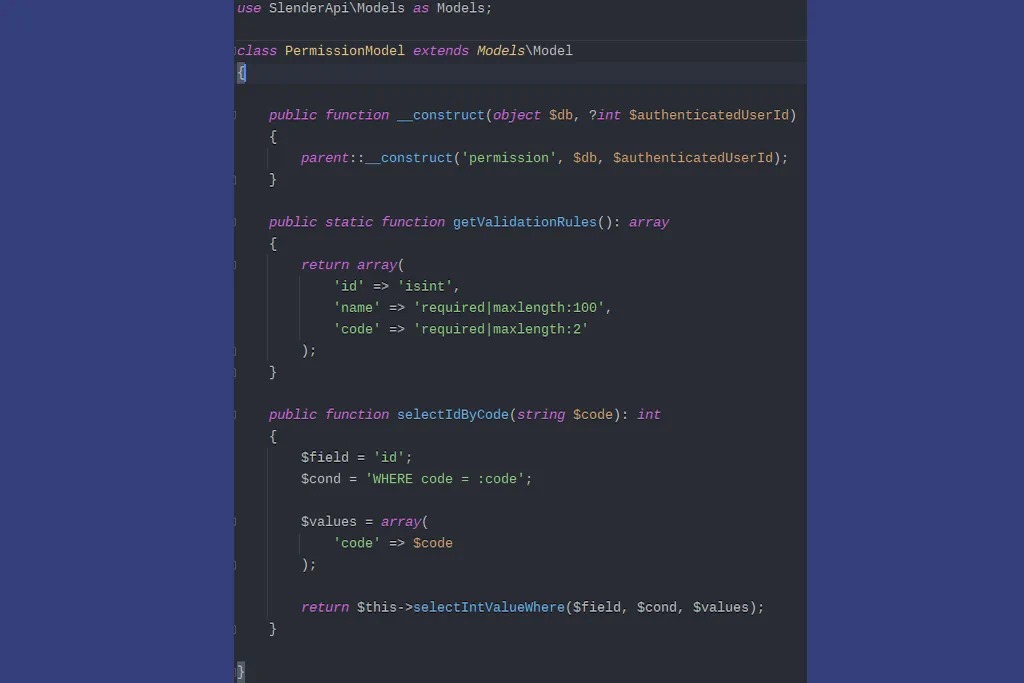
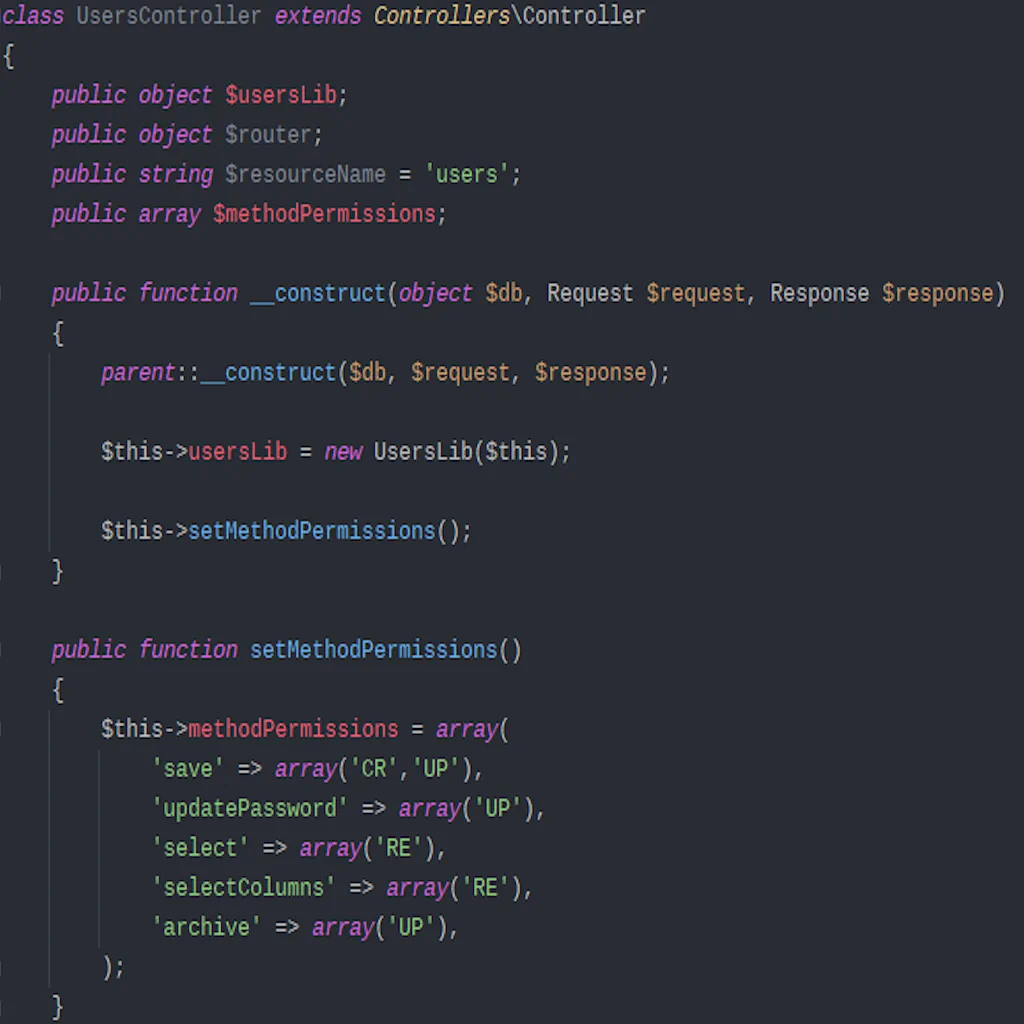
Why would an API need a View? Setup your main project flow with the controllers, quickly setup models to connect to your database, start building right away!
A Few Simple Steps
Once you download the framework, plop it on your web server that hosts PHP, connect it to your database, run the install script for setting up your database, then start writing code.
Step 1
Download / Unzip / DB Setup / Config
- In the root of your web site, create a directory called api, download and unzip the framework there.
- Optional: create a subdomain like api.yoursite.com and point it to index.php.
- Create the MySQL database for your project and run the install SQL script.
- Update PHP.ini to the correct timezone, as well as your database, UTC preferred.
Step 2
Configure your constants and env files
- Configure constants.php.
- Configure your env files.
- Create different versions of your env files for dev, staging, and prod.
Step 3
Start programming with custom models and controllers.
- Create some of the initial tables besides users/roles/permissions you will need for your project
- Create a model for each table, only a few lines of code each.
- Add any validation or custom queries to your models.
- Write your custom libraries and helpers.
- Add any 3rd party vendor libraries for payments, pdf generation, etc.
Contact
Contact Us
If you need help getting things running, we will answer small questions for free. If you need assistance, contact us to discuss hourly rates and we will help. If you have contributions to make or want to report a bug, let us know.
Office
Remote - Milton, FL